

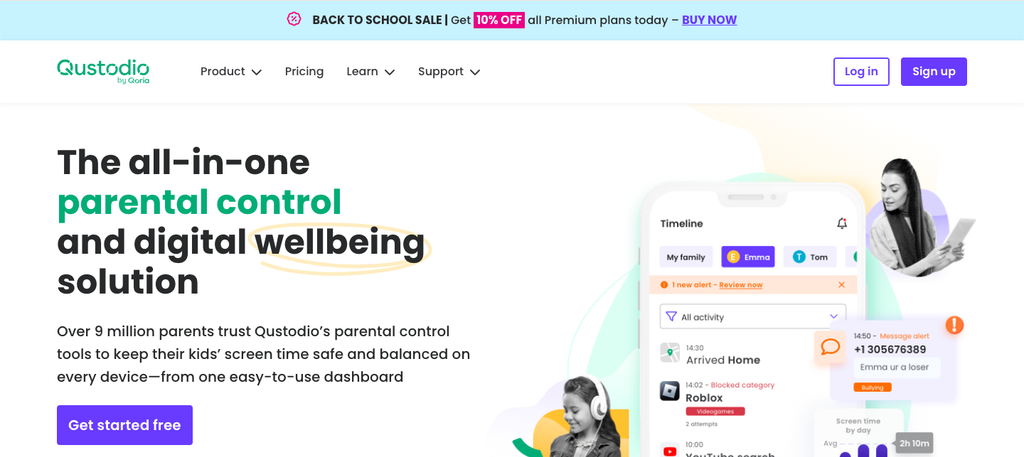
In an age where technology is woven into the very fabric of childhood, ensuring our children navigate the digital landscape safely has never been more crucial. Enter Qustodio – the ultimate parental control app that promises to empower parents and protect young explorers from online dangers. But does it truly live up to the hype? In this comprehensive review, we’ll dive deep into Qustodio’s features, benefits, and potential drawbacks to help you determine if it’s the right fit for your family’s needs. Join us as we unveil what makes Qustodio a standout choice in a crowded market of parental controls, giving you peace of mind while your kids click away!
Introduction to Qustodio and its purpose
In a world where technology is an integral part of our daily lives, keeping children safe online has never been more crucial. As parents, navigating the digital landscape can feel overwhelming. That’s where Qustodio comes in—a parental control app designed to give you peace of mind while your kids explore the internet. With its user-friendly interface and robust features, Qustodio aims to empower parents by providing tools that help manage screen time, filter inappropriate content, and protect against online dangers.
But what exactly makes this app stand out among others? And how effective is it in nurturing responsible tech habits in children? Join us as we dive deep into Qustodio’s offerings and discover if it’s truly the ultimate solution for modern parenting challenges.
Features of Qustodio: App Blocking, Web Filtering, Time Management, etc.
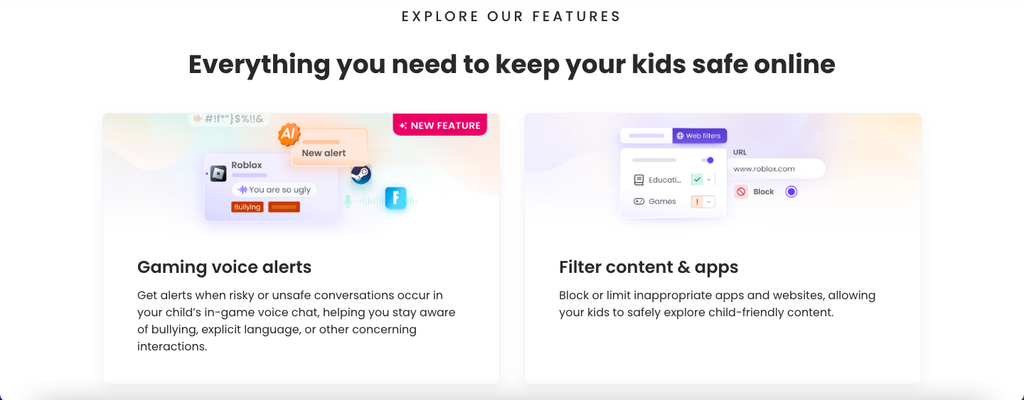
Qustodio stands out with its robust features designed for modern parenting. App blocking is one of its key offerings. Parents can easily restrict access to specific apps, ensuring that children focus on their studies or engage in healthy activities.
Web filtering enhances online safety by blocking inappropriate content. The customizable settings allow parents to tailor restrictions based on their child’s age and maturity level.
Time management tools are an essential aspect as well. With Qustodio, parents can set daily limits on screen time. This feature encourages a balanced digital lifestyle while promoting offline interactions.
Location tracking provides peace of mind too. It allows parents to monitor their child’s whereabouts in real-time through GPS technology.
These functionalities together create a comprehensive toolkit for navigating the complexities of digital parenting effectively.
How Qustodio can benefit parents and their children
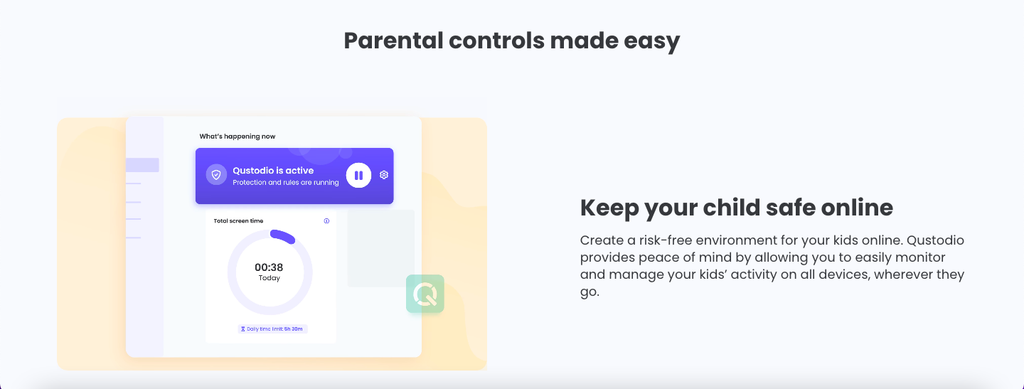
Qustodio offers a range of benefits that make life easier for parents while keeping children safe online. It empowers parents to set boundaries that ensure their kids enjoy technology responsibly.
With app blocking features, parents can limit access to distracting or inappropriate apps. This helps children focus on homework and other activities without the constant pull of social media.
Web filtering is another critical element. Parents can protect their kids from harmful content by customizing filters according to age or maturity level.
Time management tools encourage healthy screen time habits. Kids learn to balance digital activity with physical play and family interaction.
Moreover, Qustodio fosters open dialogue between parents and children about online behavior, making it a valuable resource for teaching responsibility in a tech-driven world.
Step-by-step guide on setting up and using Qustodio
Setting up Qustodio is a breeze. Start by visiting their website to create an account. You’ll need to provide basic information, including your email address and a password.
Next, download the app on your child’s devices. It’s available for both Android and iOS systems. After installation, log in with your account credentials.
Once logged in, you can customize settings based on your preferences. You have control over app blocking and web filtering options right from the dashboard.
Don’t forget to set time limits for daily usage or specific days of the week. This feature helps instill healthy digital habits without constant reminders.
Lastly, familiarize yourself with activity reports that show how much time is spent on various apps and websites. It’s a fantastic way to stay informed about your child’s online behavior while fostering open conversations around technology use.
Real-life testimonials from parents who have used Qustodio
Parents have shared various experiences about using Qustodio, with many praising its effectiveness. One mom noted how the app transformed her family’s digital habits. “I can finally discuss screen time without it turning into a battle,” she explained.
Another father highlighted the peace of mind Qustodio provides. He mentioned feeling more secure knowing he could monitor his kids’ online activities from his phone. “It helps me stay informed without being intrusive,” he said.
A parent of teenagers expressed gratitude for the web filtering feature. She remarked, “It blocks inappropriate content, and I don’t have to constantly hover over their shoulders.” This has fostered trust within their relationship.
Many users appreciate the user-friendly interface as well. One dad commented on how easy it was to set up and navigate, making parental control less daunting than expected.
Conclusion: Is Qustodio worth it? Final thoughts and recommendations.
When considering whether Qustodio is the right choice for your family, it’s essential to weigh its advantages against any potential drawbacks. As a comprehensive parental control app, Qustodio offers a variety of features designed to enhance your child’s online safety. From app blocking and web filtering to time management tools, the platform provides robust solutions that can help parents oversee their children’s digital habits.
However, some may find limitations in specific areas or prefer different interfaces available on other platforms. It’s crucial for each family to assess their unique needs before deciding if this app fits into their lifestyle.
For families seeking peace of mind while navigating the complexities of today’s digital landscape, Qustodio could be an invaluable tool worth exploring further.